
Link copied!
10 TradingView Secrets and Tools Pro Traders Use to Dominate the Market


Here at CapMint, we know that having the right tools is just as important as having the right strategy. TradingView is undoubtedly one of the best market analysis platforms out there, but most beginners only scratch the surface of what it can do. In this CapMint Trading tutorial, we dive deep into the platform to reveal 10 hidden features, shortcuts, and settings that professional traders use every day to save time, backtest effectively, and maintain peak organization on their charts.
Key Takeaways:
-
Master the Replay Tool: You can actually rewind time on your charts to practice trading and backtest new strategies as if you were watching the market unfold in real-time.
-
Save Indicator Templates: Stop manually adjusting indicator settings every single day. You can customize a combination of indicators (like RSI and Bollinger Bands) and save them as a permanent template to load instantly.
-
Paper Trading is Built-In: Before risking real capital, you can connect to TradingView’s paper trading panel to test your setups with virtual money while journaling your exact entry and exit points.
-
Split Your Screen: Enhance your market perspective by splitting your window to compare different timeframes of the same financial instrument, or track the relative strength of two different indices side-by-side.
-
Ditch the Basic Trendline: Instead of constantly adjusting short trendlines, use the “Horizontal Line” for infinite support/resistance levels, and the “Extended Line” for diagonal trends that auto-extend perfectly without distortion.
-
Declutter Instantly: Never delete your hard work just to get a clear view. Use the simple “Eye” icon at the bottom of the screen to temporarily hide all drawings and indicators with a single click.
“This video is more about how you can become a better trader using TradingView.”
Whether you are switching to a dark background to reduce eye strain or pinning timestamped notes to specific stocks in your watchlist, these small optimizations compound into a massive advantage. We highly recommend applying these tools during your next trading session to see just how much smoother and faster your technical analysis becomes.
Disclaimer: This content is for educational purposes only and does not constitute financial or investment advice. Investments in securities or other financial instruments are subject to market risk, including partial or total loss of capital. Past performance is not indicative of future results. Always consider your financial situation carefully and consult a licensed financial advisor before making investment or trading decisions.
Related Videos


Liquidity Sweep & Fair Value Gap Trading Strategy
Liquidity Sweep and Fair Value Gap (FVG) trading is a price action strategy that combines liquidity grabs, market structure shifts, and imbalance zones to identify high-probability entries.
4.46K views
13 mins

The 4 Market Conditions Every Trader Must Understand Before Taking a Trade
Market conditions are the different phases of price behaviour that traders encounter, including uptrends, downtrends, ranging markets, and choppy markets.
4.43K views
12 mins

Perfect Market Structure Entries via Break of Structure (BOS) & Change of Character (ChoCh)
Stop letting volatile markets hit your stop-loss and learn the structural entry secrets that actually separate profitable traders from the trapped 90%.
6.51K views
17 mins
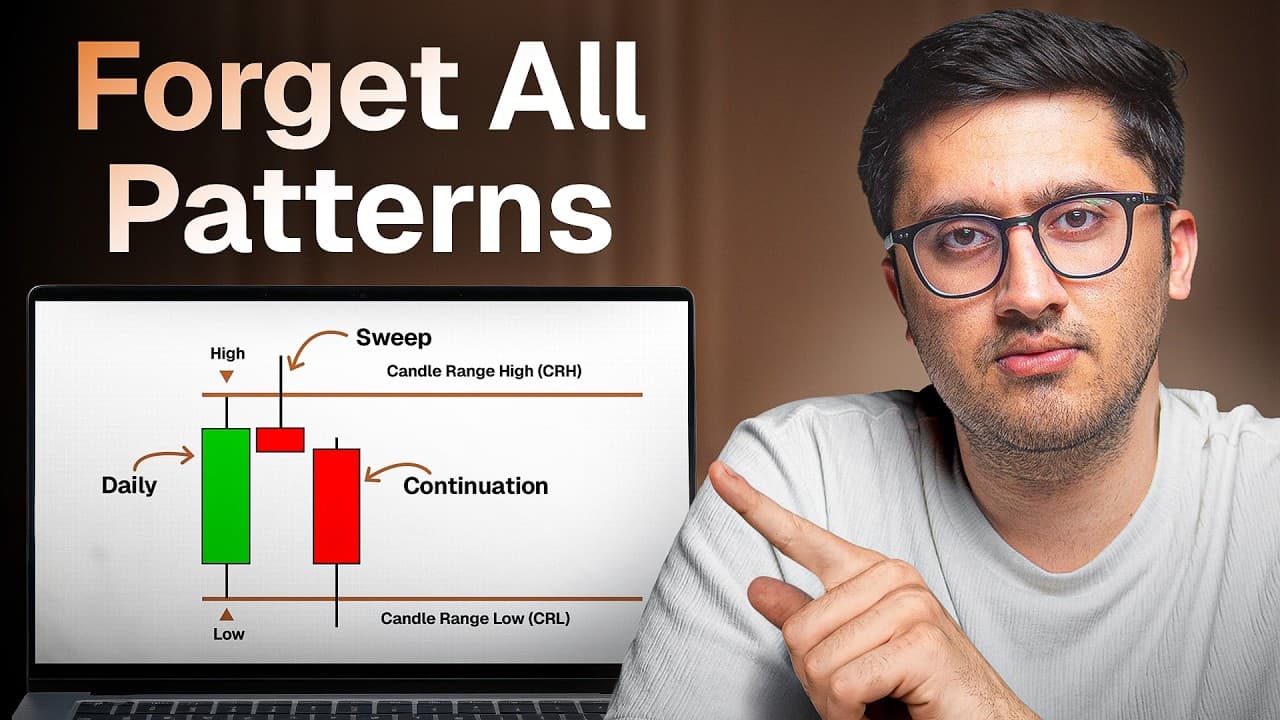
Candle Range Theory (CRT): The 3-Candle Strategy to Replace Complex Patterns
Candle Range Theory (CRT) distils price action down to the high and low of a single, powerful candle.
13.50K views
12 mins

The Ultimate SMC Strategy for NIFTY: Mastering BOS + CHoCH
Forget the myth that Smart Money Concepts (SMC) are only for crypto and forex—institutions leave their footprints heavily on NIFTY, too.
6.28K views
36 mins
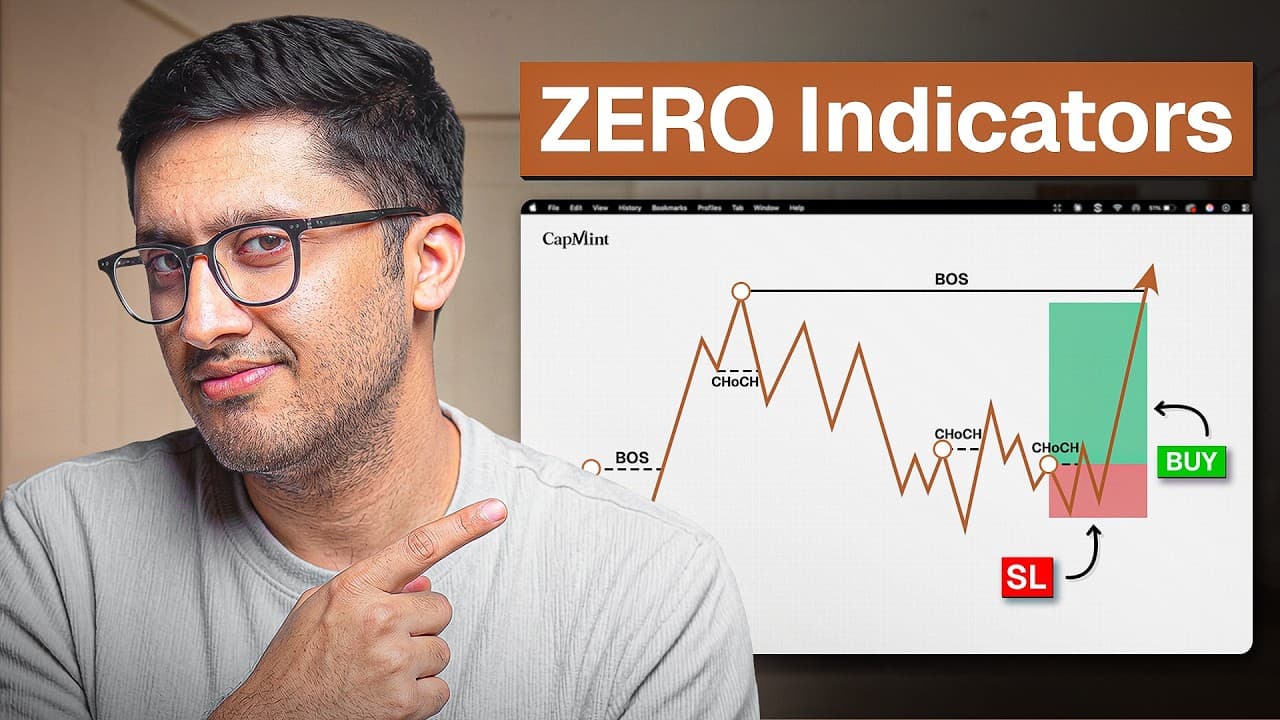
How to Trade Pure Price Action Using Multi Timeframe Analysis
Are you tired of getting trapped by false breakouts and fake trend reversals? Learn how mapping pure market structure can drastically improve your real-time execution in this masterclass.
43.58K views
22 mins

How to Trade Supply and Demand Zones Using Institutional Order Flow?
Are you tired of getting trapped by false breakouts and entering trades against the major order flow? This detailed learning module reveals the exact formula used to track where institutional money is stepping into the market.
28.36K views
14 mins

Complete Intraday Trading Masterclass: Leverage, Psychology, and Survival
Are you ready to step away from the false promises of fast money and master the brutal reality of intraday trading? This comprehensive masterclass strips away the illusions to reveal the core mechanics of day trading.
1.79K views
19 mins
How to Learn Trading in 2026: The Ultimate 3-Pillar Masterclass
This CapMint masterclass breaks down the ultimate, noise-free blueprint for mastering the markets. No more drowning in conflicting YouTube advice and fake P&L screenshots.
2.25K views
12 mins

The Ultimate Guide to Multi-Timeframe Market Structure
Trading exclusively on a 5-minute or 15-minute chart is a guaranteed way to get trapped in fakeouts. In this video, we reveal the "secret sauce" of Multi-Timeframe (MTF) Analysis, showing you exactly how to align your execution timeframe with higher timeframe market structure to predict major reversals and pullbacks.
20.39K views
24 mins

The Only 4 Trading Indicators You Will Ever Need
Are traditional moving averages getting you chopped up in sideways markets? In this video,we reveal a complete, backtested strategy using just four specific indicators to filter out market noise, find perfect entries, calculate exact stop-losses, and maximize your exits.
4.04K views
11 mins
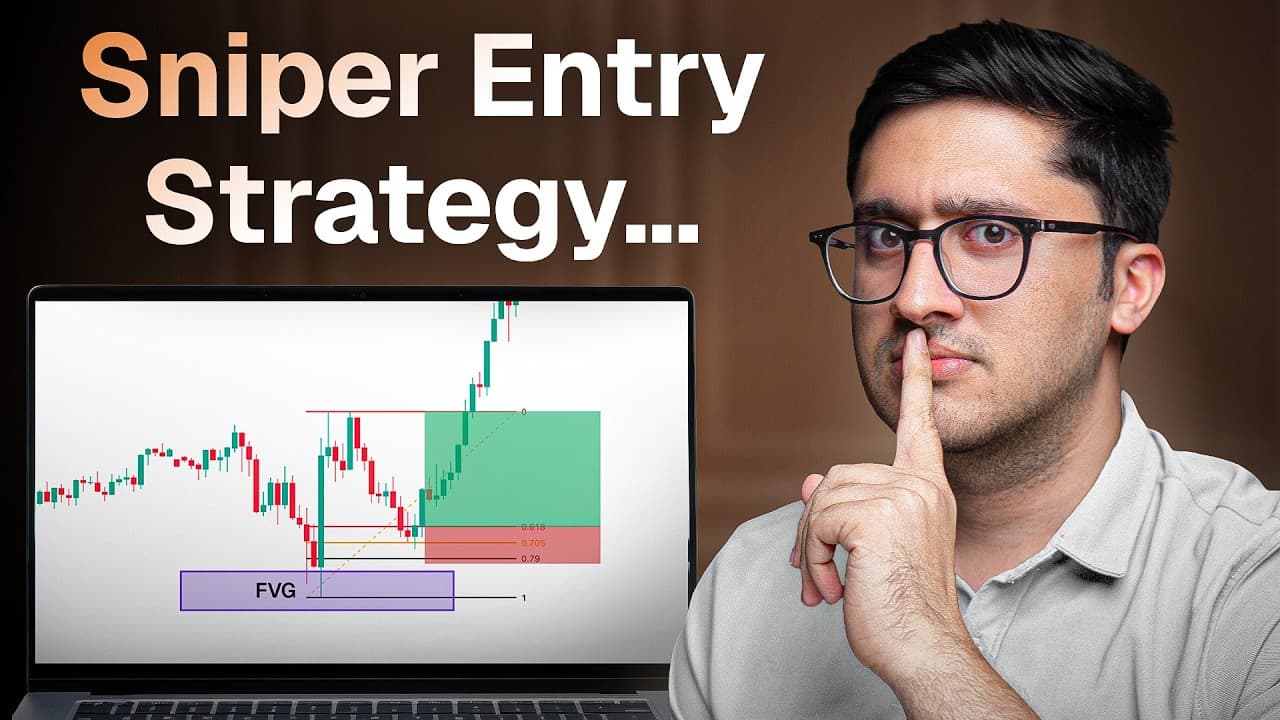
The Ultimate Fibonacci Sniper Zone Trading Strategy
Finding the exact point where a market will reverse feels impossible until you know what to look for. We reveal a customized 5-step strategy that modifies the traditional Fibonacci tool to pinpoint a highly accurate "Hidden Sniper Zone" for exact entries and exits.
19.36K views
8 mins

The Secret Liquidity Strategy 97% of Traders Do Not Know
Do you ever feel like the market is specifically hunting your stop-loss? It is. We break down the "Draw on Liquidity" strategy, revealing how institutional money sweeps retail stop-losses before massive reversals, and how you can spot these traps to trade alongside the smart money.
13.36K views
8 mins

How to Draw and Trade Trendlines?
Are your trendlines constantly getting broken just before the market reverses? The CapMint Trading team reveals how to draw diagonal support correctly, spot fakeouts, and use trendlines as ultimate liquidity maps to trade alongside the institutions.
3.92K views
9 mins

The 3-Step Market Structure Trading Strategy Explained
What happens when you backtest a pure price action strategy 100 times?We break down a highly profitable 3-step system that relies entirely on market structure, swing failures, and supply/demand zones. No complex indicators required.
46.19K views
11 mins

How to Trade the Bollinger Bands and RSI Combo Strategy?
Trading Bollinger Bands alone often leads to a low win rate and frustrating fakeouts. The CapMint Trading team reveals how to fix this by combining custom Bollinger Band settings with RSI and candlestick confirmations to build a powerful mean reversion strategy.
4.05K views
9 mins

How to Read Market Structure Like a Smart Trader?
We tried every indicator out there, but adding this one concept can skyrocket your trading performance. In this video, we break down how to read Market Structure like a pro trader.
73.04K views
16 mins
The FVG Secret: Identifying Valid vs. Invalid Fair Value Gaps
Not all Fair Value Gaps are created equal. The CapMint Trading team reveals the core differences between valid and invalid FVGs, plus 4 key factors to drastically improve your hit rate.
9.98K views
12 mins

Testing Larry Williams' Volatility Breakout (Donchian Channel) Trading Strategy
Can the legendary system that turned $10K into $1.1M still work today? We backtest the Larry Williams Volatility Breakout Strategy, revealing the exact Donchian Channel, LWTI, and Volume settings needed to catch massive momentum and avoid fakeouts.
5.14K views
9 mins

The Ultimate 4-Indicator Intraday Setup by the CapMint Trading Team
In this CapMint Trading tutorial, our team breaks down a powerful intraday strategy that relies on a unique combination of four different indicators.
3.52K views
11 mins
Engineered for the obsessed. Built for traders.

Purpose-built terminals.
Zero compromise.
Built for speed.

Plot No 1290, 2nd Floor, 17th Cross, 5th Main, Sector-7, HSR Layout, Bangalore 560102
Follow us on


Mintcap Brokers Private Limited
CIN – U66110KA2023PTC178706 | Registered Address: Plot No 1290, Second Floor, 17th Cross, 5th Main, Sector-7, HSR Layout, Bangalore 560102 | Tel: 080 – 49552310 | Email ID: compliance@capmint.com | SEBI registered Stock Broker: INZ000322732 | NSE Cash/F&O Member ID: 90430 | BSE Cash/F&O Member ID: 6903 | MCX Member ID: 57400 | NCDEX Member ID: 1312 | SEBI registered Depository Participant: IN-DP-806-2025 | CDSL DP ID: 12102300 | NSE Clearing Member code: M70108 | AMFI-Registered Mutual Fund Distributor: ARN-289109 (Valid upto 28-Feb-2027) | Category II Execution Only Platform : E6903
Details of Client Bank Account
Compliance Officer: Ms. Shridevi Vungarala | Email ID: compliance@capmint.com | Tel no. + 91 9035330126 | Grievance Redressal Officer (GRO) – Ms. Shikha Gupta | Email ID: Grievance@capmint.com | Tel no: 9035331595.
Procedure to file a complaint on SEBI SCORES: Register on SCORES portal. Mandatory details for filing complaints on SCORES: Name, PAN, Address, Mobile Number, E-mail ID. Benefits: Effective Communication, Speedy redressal of the grievances. You may refer the website https://scores.sebi.gov.in/ for more information. You may also download the SEBI Scores app to log a complaint Android: https://play.google.com > store > apps > sebiscores iOS: https://apps.apple.com > app > sebiscores
Disclaimer
Investment in the securities market are subject to market risks, read all the related documents carefully before investing. Brokerage will not exceed the SEBI prescribed limit.
Mutual fund investments are subject to market risks, read all scheme related documents carefully before investing. Mutual Funds are not exchange-traded products.
Attention Investor:
- Stock Brokers can accept securities as margin from clients only by way of pledge in the depository system w.e.f. September 1, 2020.
- Update your mobile number & email Id with your stock broker/depository participant and receive OTP directly from depository on your email id and/or mobile number to create pledge.
- Pay 20% as upfront margin of the transaction value to trade in cash market segment.
- Investors may please refer to the Exchange’s Frequently Asked Questions (FAQs) issued vide circular reference NSE/INSP/45191 dated July 31, 2020 and NSE/INSP/45534 dated August 31, 2020 and other guidelines issued from time to time in this regard.
- Check your Securities /MF/ Bonds in the consolidated account statement issued by NSDL/CDSL every month.